TicketHub — Institutional Memory for Consultancies & ERP Teams
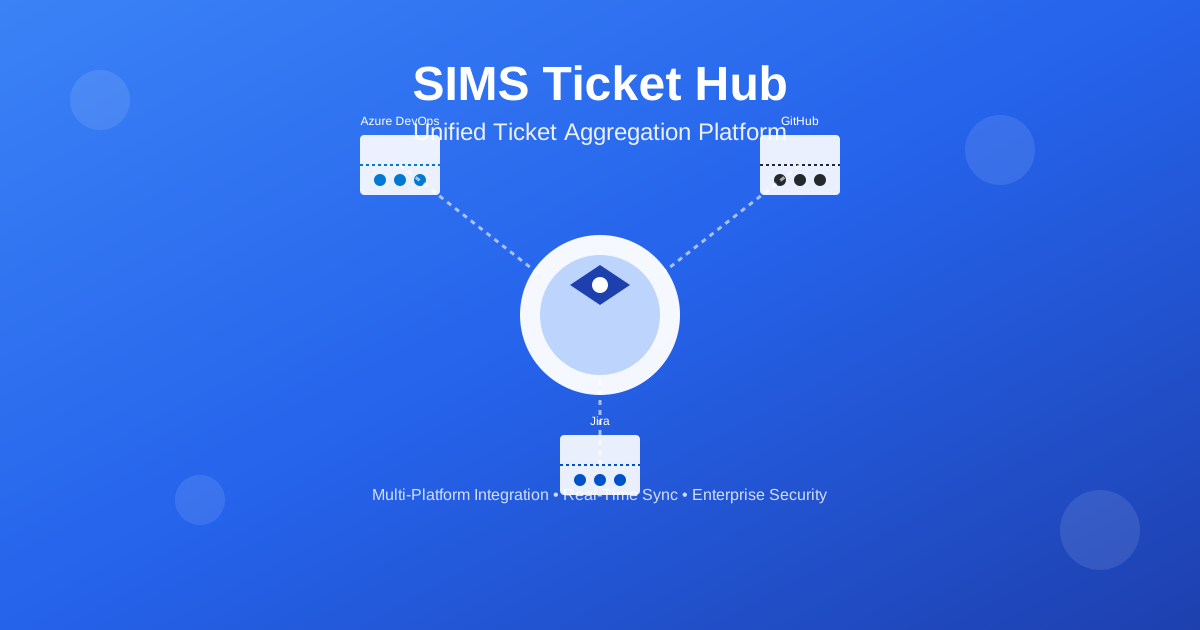
Stop paying twice for the same fix. TicketHub turns your full ticket history into recall — find the prior fix, draft the cited answer, post it back to ADO/Jira. Built for consultancies and delivery teams where re-investigation is billable hours burned.
Stop paying twice for the same fix.
Every "new" bug your team re-solves is billable hours burned on a problem your organization already cracked. TicketHub turns your full ticket history into recall — find the prior fix, draft the answer, post it back to ADO/Jira.
No seat contract to find out what your tracker remembers. Point us at a slice of your corpus.
The most expensive bugs aren't new. They're returns.
Same module. Same symptom. A different consultant, eighteen months later, writing it up as if it had never happened — because to them, it hadn't. The explanation existed. The fix existed. It was sitting in a closed ticket from a few years ago that nobody on today's team has ever opened.
So the problem gets re-investigated from scratch, the same hours get spent again, and the client gets billed twice for work the practice already did. This is institutional amnesia — and in a consultancy, it has a direct cost: every re-investigation is margin you don't get back.
Your richest record of why things are the way they are — every decision, dead-end, and fix your team ever shipped — is locked inside a ticket tracker in a format no one can query and no one has time to read. When a senior engineer leaves, you backfill the seat in six weeks. You never backfill the context. Until now, there was nowhere to get it back.
On a mature corpus, a meaningful share of "new" bugs are repeats of problems the org already solved. Most practices are sitting on 5–10 years of that history — and can't reach a line of it.
You're already paying for this problem. Quietly, twice.
The cost of institutional amnesia isn't a line item — which is exactly why it's so large. It's re-investigation hours: consultants re-diagnosing problems the practice already solved, billed again at full rate to the same client engagement budget.
The math is simple and the trigger is small. If a team re-solves even a modest share of "already-solved" tickets each year, the recovered hours dwarf the cost of the tool. In a worked model on a mid-size practice, the payback lands in under three months — and the breakeven holds even under pessimistic assumptions.
Illustrative — based on plausible assumptions, not a guarantee. We'll model your real numbers in a History Audit.
You're not paying for an AI chat. You're paying to stop paying twice for the same fix.
Our reference deployment runs on 400,000+ work items going back to 2018. Proven on a real corpus, not a demo dataset.
2 Blended rate benchmark: ZipRecruiter, salary.com.
Research → Draft → Review → Post. The loop closes inside your tracker.
No autopilot. The AI does the boring 80% — finding the relevant past work and drafting a cited answer. A human approves. Then it lands where your team already works.
Research across your full history
A ticket comes in. TicketHub searches every work item the organization has ever created — across projects and across years — and surfaces the handful most similar. Not the last 50 comments. Everything.
Draft a resolution that cites its sources
It writes a proposed answer grounded in that prior work, with every claim linked to the real ticket it came from — #4821 (2020), #6190 (2021). No black box.
A human reviews and approves
The draft waits for a person. Edit, approve, or reject. Nothing is published on the AI's word alone.
Post back into Azure DevOps or Jira
Approved answers post straight into the ticket as a comment, in the tool your team already lives in. The knowledge goes back where it'll be found next time.
~40 seconds end to end (reference deployment)
What "AI in your tracker" can't do — and we do.
Re-investigation is billable hours. We stop it.
Microsoft's own docs say Copilot in Azure Boards grounds on a work item's fields plus the last 50 comments of that single ticket.1 That's great for "summarize this." It can't tell you the org already solved this in 2021. TicketHub reasons across your entire corpus — 400K+ items in our reference deployment — by design. That's the difference between a writing assistant and recovered margin.
Answers you can trust because they cite real tickets
Every drafted resolution links to the actual past work. Delivery leads verify in one click instead of trusting a confident guess — and clients see a cited answer, not a hallucination.
It works in the tracker you already have
ADO, Jira, GitHub flow into one unified history — answers post back where your team works. No migration, no rip-and-replace, no change-management project.
Your data can stay yours
Self-hostable with tenant isolation for regulated and on-prem teams. Built-in per-user AI cost visibility — no surprise renewal hikes on your practice margin.
Built for ERP depth, not just generic tickets
Real understanding of Dynamics 365 and ERP work — down to X++ and test-case steps — where horizontal AI tools have no domain. The knowledge your senior consultants carry, made retrievable.
It understands cause and effect, not just text
Parent/child, blocks, relates links are organizational decisions, not metadata. TicketHub traces why something was decided, not only what happened — so the next consultant inherits the reasoning, not just the outcome.
The catch, stated plainly: this only works once a real corpus is indexed. On an empty tracker, there's nothing to remember. The value compounds with history — exactly the asset ERP and legacy-heavy practices already have in abundance and have never been able to use.
1 Copilot in Azure Boards grounding scope: GitHub/Microsoft Learn.
Built for the teams where knowledge loss has a price tag.
Dynamics 365 & ERP consultancies (this is us)
You've shipped the same fix across dozens of clients and years. When the same X++ regression resurfaces on a new engagement, you want the answer in seconds — not a fresh investigation billed to a margin you already spent. Practice owners and delivery leads: this is where you recover it.
Delivery leads & practice owners
You measure knowledge retention in re-investigation hours and client-delivery quality. TicketHub makes that value visible — concrete repeats found, hours recovered, payback modeled on your real corpus — so you can defend the investment in a business case.
Engineering teams on ADO / Jira / GitHub
Years of work items and decisions — institutional memory that walks out when a senior leaves. TicketHub gives your engineers and AI agents access to that history, so the next person on the ticket starts from where the last one finished.
On-prem & regulated teams (finance, gov, healthcare)
Can't send history to a cloud assistant. Self-host inside your boundary with tenant isolation, SSO/SAML, and encrypted credential storage.
Start by seeing what's in your history. Then scale.
Every engagement starts with a History Audit. Point us at a slice of your corpus and we'll show you — concretely — how many repeats, regressions, and already-solved problems are hiding in it.
- One team, one source
- Cross-history AI recall
- Semantic search across full history
- Relations & causality tracing
- Post-back + human review workflow
- Everything in Core
- Multi-source (ADO + Jira + GitHub)
- Docs & release-notes ingestion
- Onboarding mode
- Regression dashboard
- Everything in Knowledge
- Self-host with tenant isolation
- SSO / SAML
- Priority support
AI usage billed transparently at cost — no bundled-AI renewal surprises. All figures are estimates; contact us for a quote tailored to your corpus size and team.
Frequently asked questions
Isn't this just Copilot or Rovo with extra steps?
Couldn't we build this ourselves on an open-source RAG?
Is our data secure? Can we run on-prem?
Our history is messy. Will it still work?
How long until we see value?
Which tools do you connect to?
There's a forgotten fix in your tracker right now.
If your practice has more than a couple of years of tickets, somewhere in there is a solved problem about to be re-discovered — and rebilled. The fastest way to see it is in your own data.
Send us a slice of your corpus. We'll show you how much your tracker actually remembers — and what it's been costing you to forget.
No seat contract required. We'll model your real ROI from your real history. Contact: vhlu@sims-service.com
Under the hood
Self-hostable. NestJS + MongoDB backend, Next.js frontend, Qdrant vector search, Gemini and Anthropic LLMs. Real-time sync, encrypted credential storage, SSO/SAML, Docker. Connectors: Azure DevOps, Jira, GitHub.
Read the technical overview